DEVELOPER
Build on KOZEN.
Use Kozen SDK for payment and device capabilities, component access for terminal-side modules, and management interfaces that connect implementation teams to deployed estates.
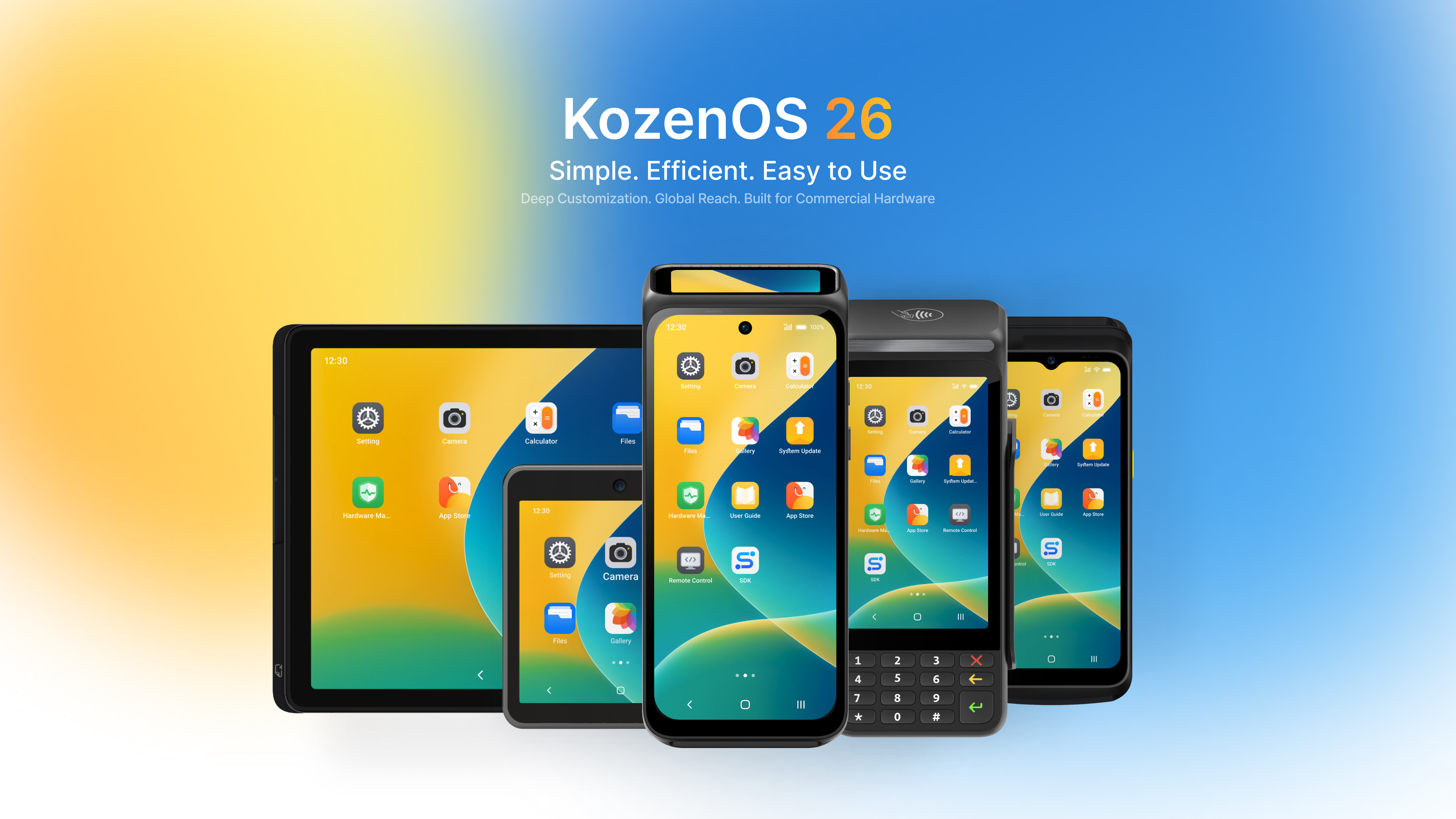
TOOLCHAIN
Build against payment, device, component and estate capabilities in one stack.
Kozen SDK is the main integration layer for teams building on top of KOZEN terminals, and the PPT makes the surrounding structure clearer: SDK framework, terminal manager modules and component capabilities belong to one connected developer system.
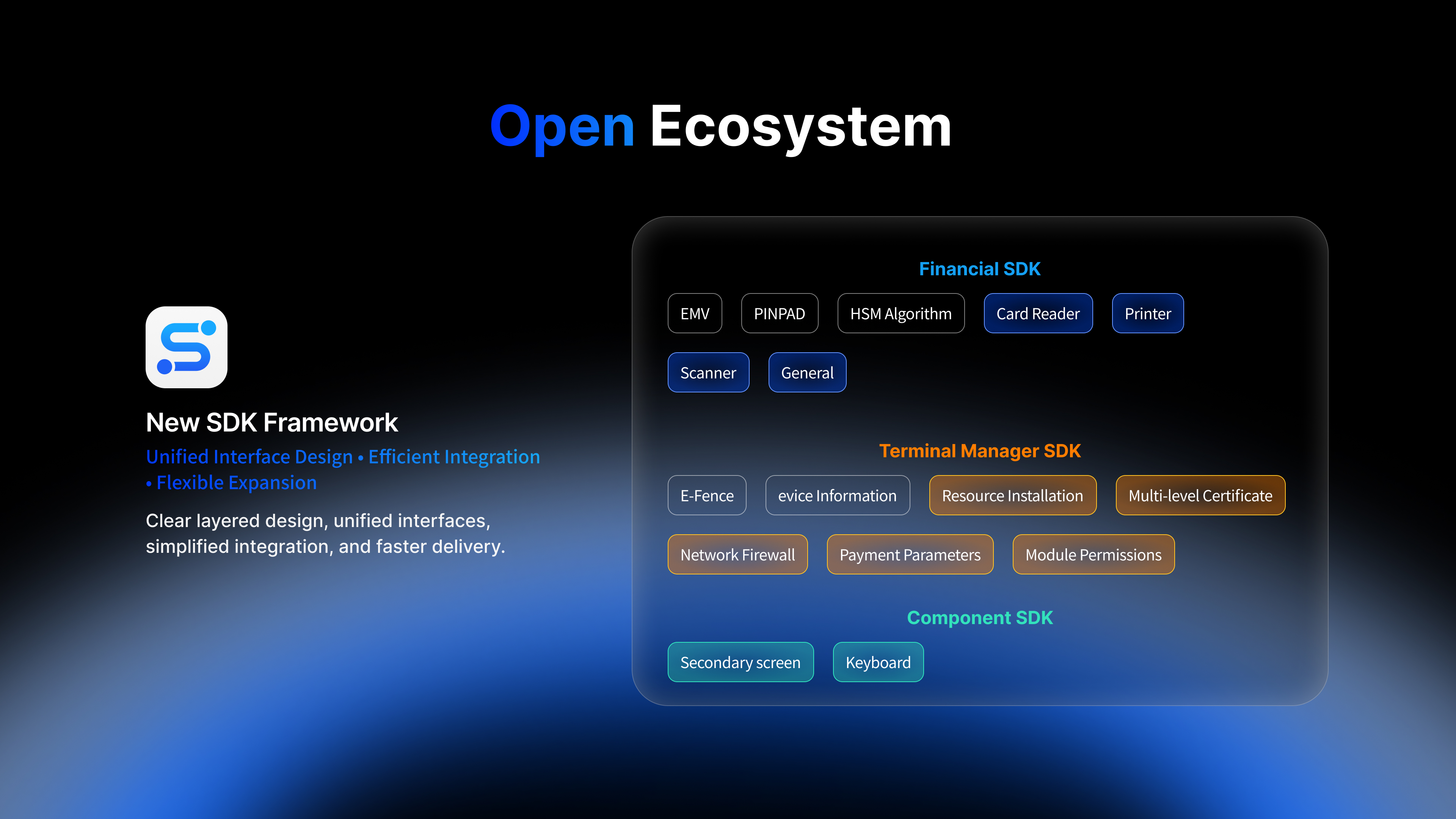
INTEGRATION FLOW
From Kozen SDK integration to managed device estate.
Financial SDK, Terminal Manager SDK and Component SDK should read as one connected path: build payment and device features first, then connect the deployed estate back into management, policy execution and remote operational control.
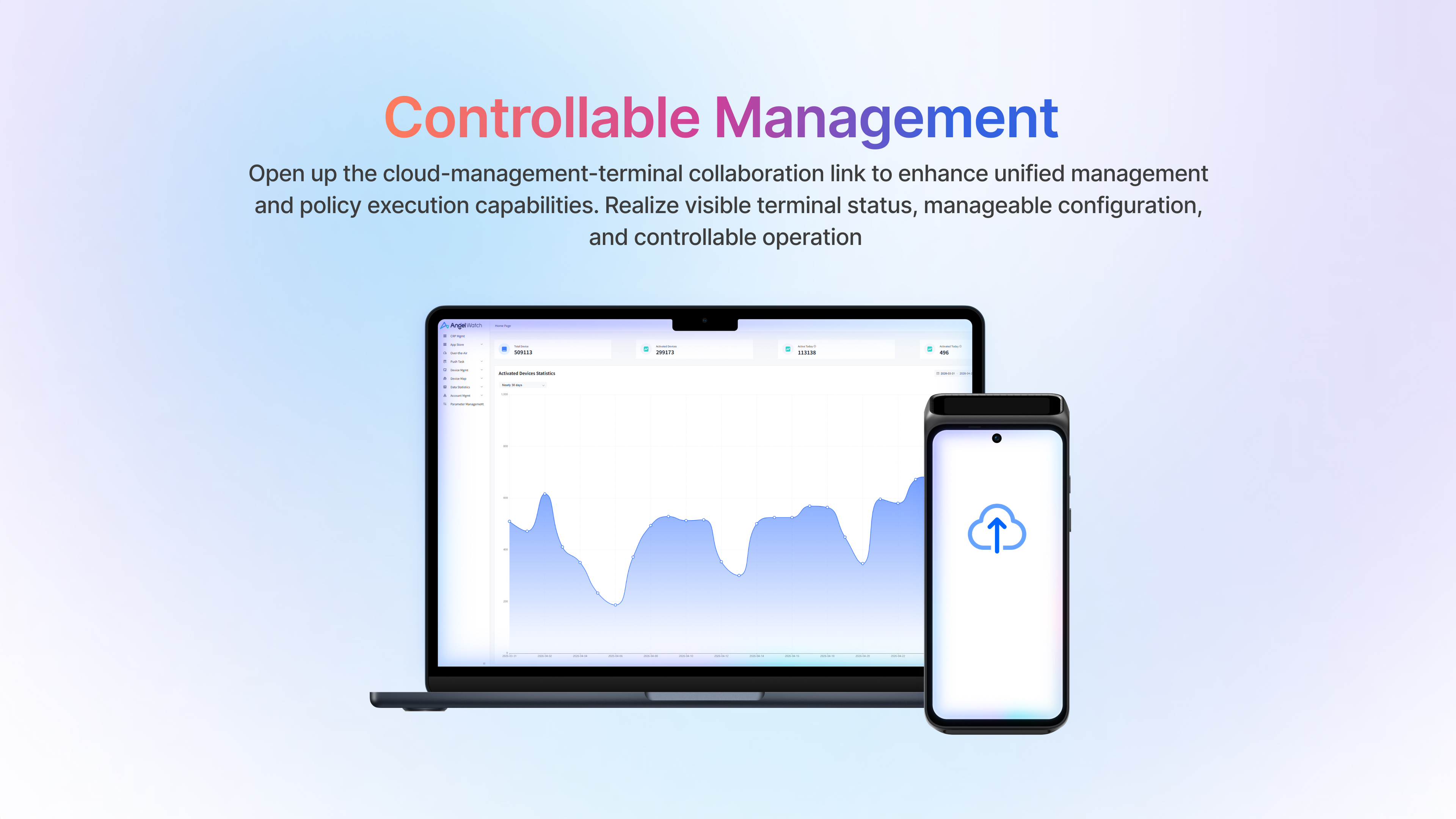
From payment capability to broader device control.
Kozen SDK should be presented as the core toolkit for payment acceptance, scanner, printer, card reader, screen and other terminal-side capabilities needed by integration teams.
More operational control for deployed estates.
Terminal Manager SDK extends beyond app-side integration into estate control, including device information, permissions, resource installation and management-side actions.
Reusable hardware and interface components.
Component SDK should help teams move faster when they need ready access to device-side modules such as printer, scanner, secondary display and other reusable components.
Get the package that matches the project.
SDK files are provided through a verified request so KOZEN can align the device model, KozenOS version, capability modules and implementation documents. There is currently no anonymous public download.
CAPABILITY GROUPS
Core capability areas teams expect from Kozen SDK.
WHERE TO START
Three entry points for different integration tasks.
The SDK story should feel expandable, not locked to a single terminal flow.
The KozenOS material makes this clearer: the developer layer spans SDK framework, terminal manager modules, app-level extensibility and a component system that can keep evolving with the portfolio.
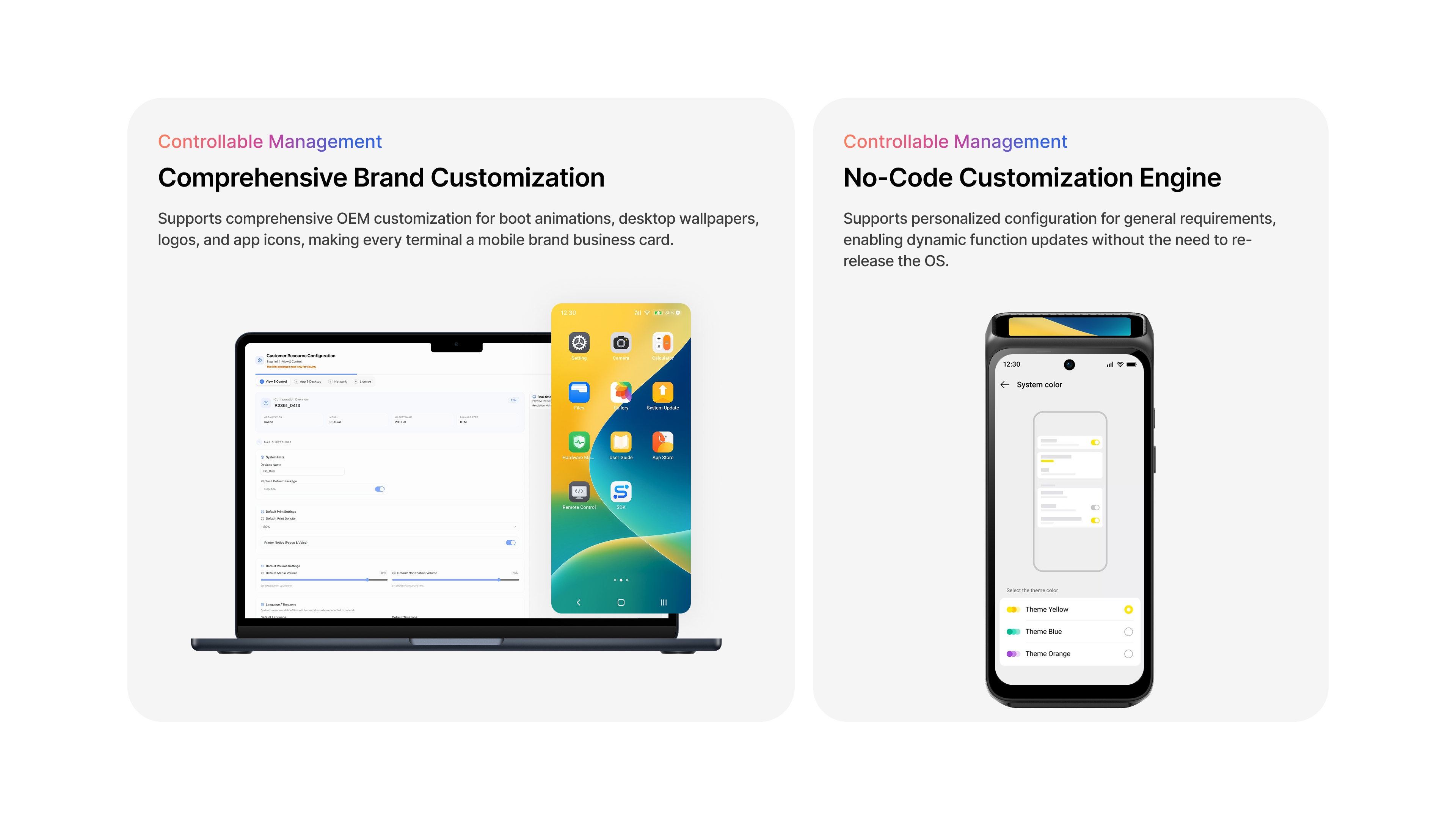
Administrative control layers for secure device estates.
Terminal Manager SDK is the bridge from development into deployment, exposing the control surfaces needed to manage terminals after they are live in the field.
Kozen SDK, Terminal Manager SDK, Component SDK and supporting documents are shared after the project scope and compatibility target are confirmed.
Management-side controls that matter after integration is complete.
Developer visitors also need to see what happens after go-live: remote authorization, app network firewall control, cloud configuration and efficient estate-side response.
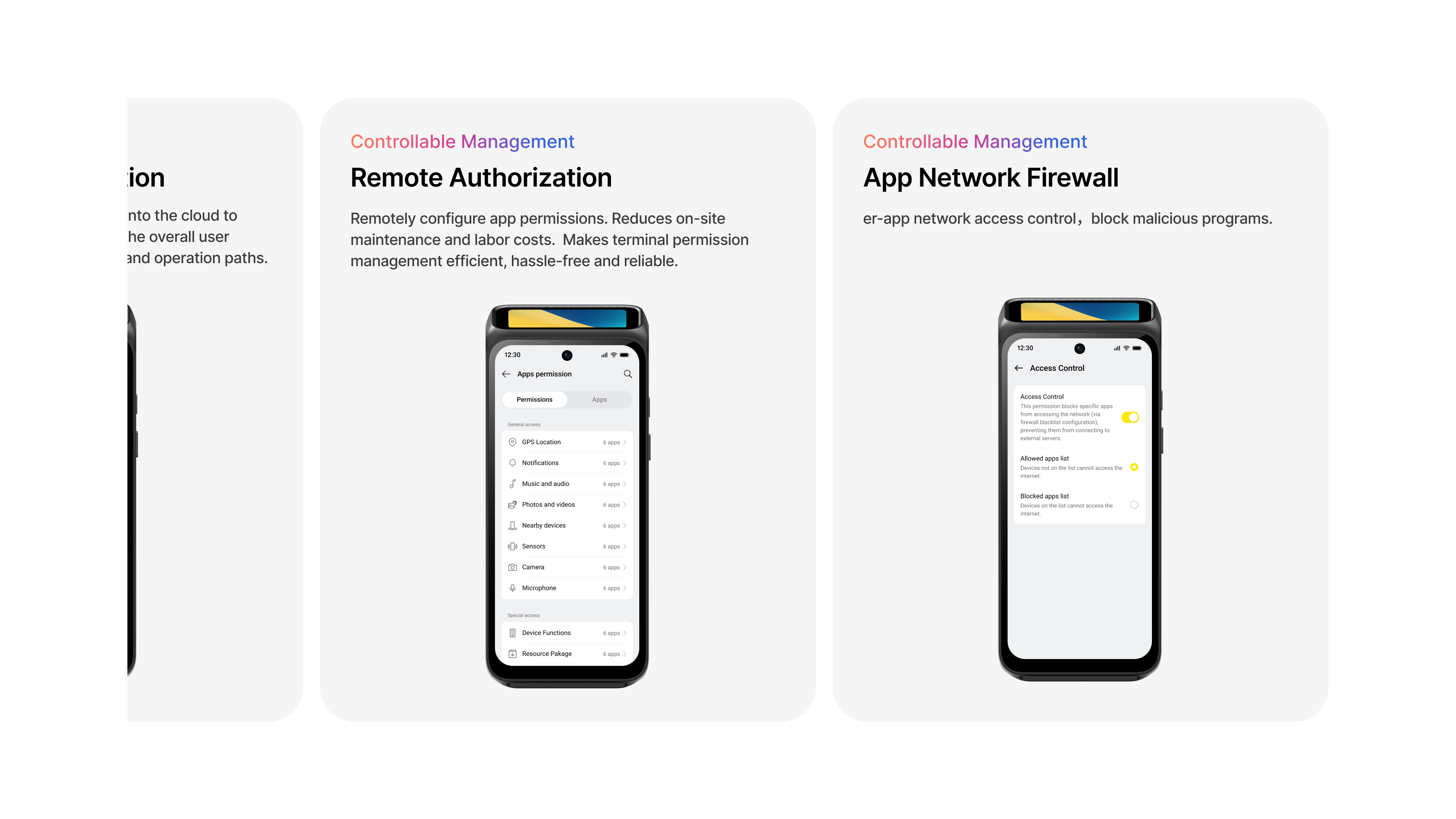
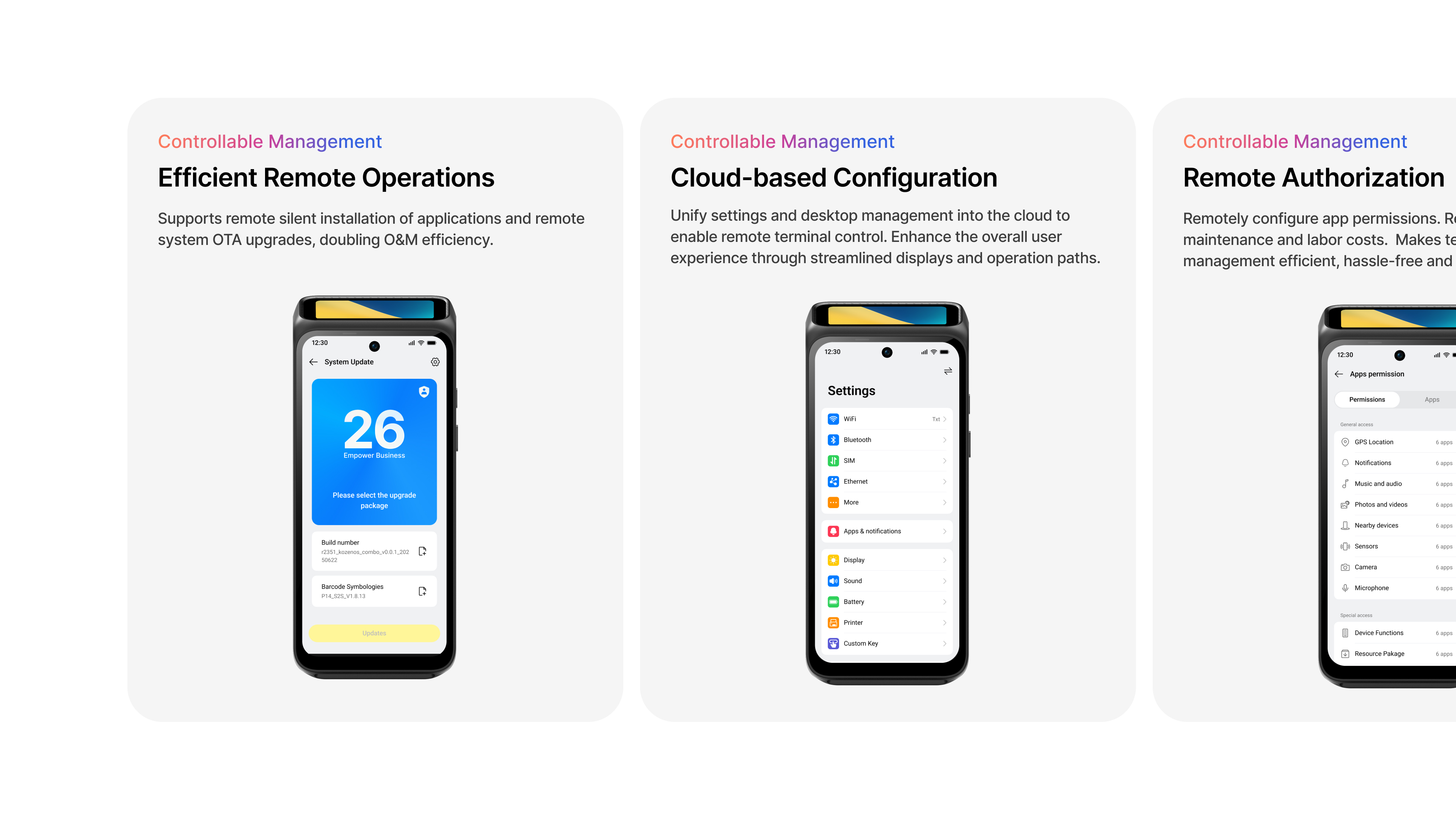
The main developer product customers should remember.
For most technical visitors, Kozen SDK is the simplest mental model: it is the primary integration layer for building on KOZEN terminals, while the other SDKs extend into components and deployment control.
Developer builds with Kozen SDK first, then connects live estates back into management through the Terminal Manager side of the platform. See Angel Watch TMS
The Developer module should feel like the integration doorway into the larger software platform described in Ecosystem, especially the open ecosystem and controllable management layers shown in the KozenOS material.
QUICK START
Four steps from evaluation to a testable integration.
This path makes the current access model explicit and avoids sending teams to an empty download area.
- 01Choose the target device.
Identify the KOZEN model, market and KozenOS version for the project.
- 02Define the capability scope.
List payment, reader, printer, scanner, secondary-screen or management modules required.
- 03Request verified access.
KOZEN confirms compatibility and shares the appropriate package and supporting documentation.
- 04Validate in a test environment.
Integrate against representative devices and data before any production rollout.